9.2Settlements
How much your courier has collected in cash on delivery for your parcels and how much it has remitted to you — line by line, and how to check it against the courier's paperwork.
- Menu:
- Courier → Settlements
- Who:
- Owner · Manager · Staff
- Package:
- All packages
- Updated:
- 2026-10-15
Overview
The COD settlements tab under Courier shows what your courier collected in cash on delivery for each parcel, the courier fee it deducted, and the net amount it has remitted to you. Each line is one parcel.
These are remittances from your own courier. The platform does not show payments or payouts from itself here.
Owners, Managers and Staff can all see this tab.
Screen tour
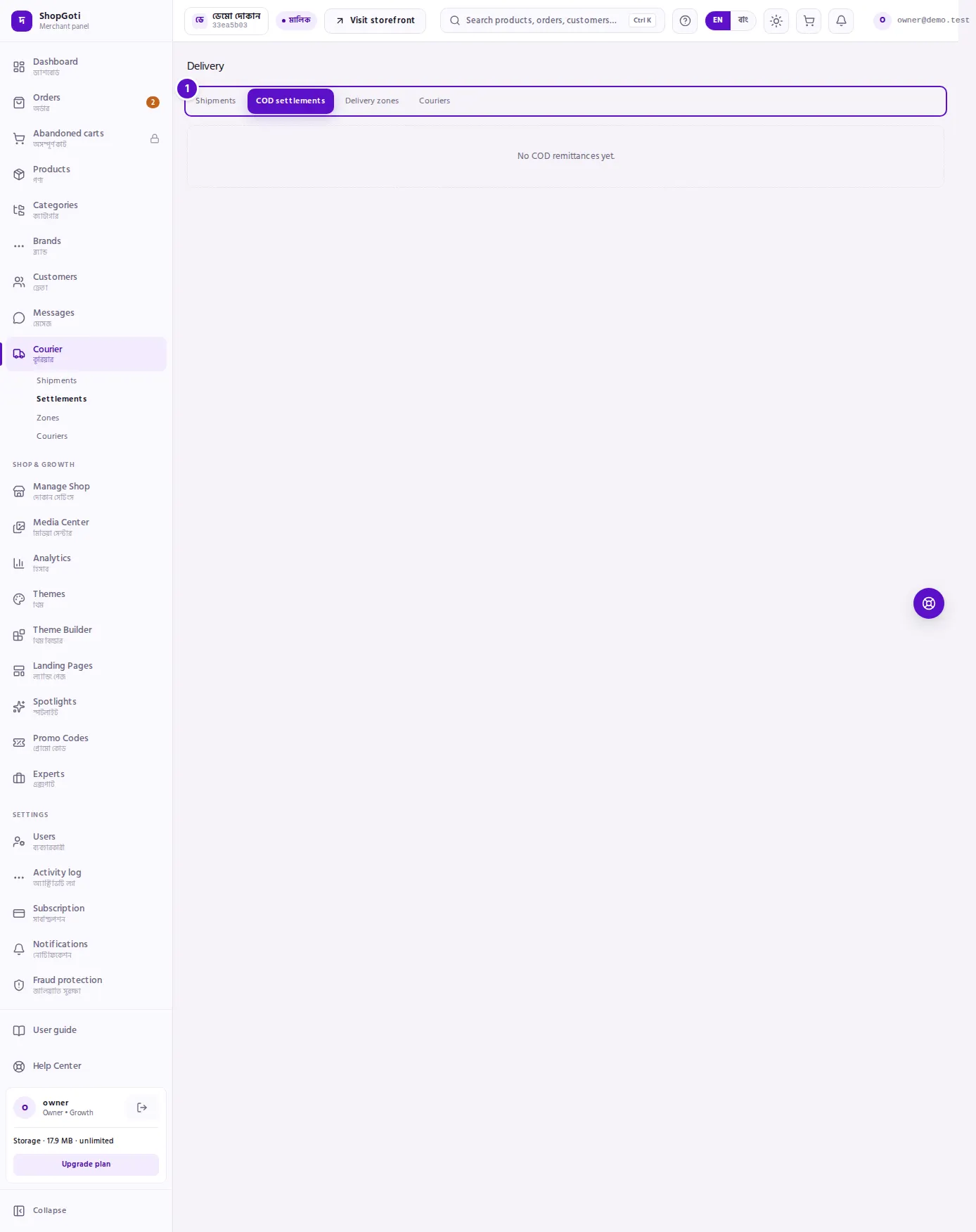
- Tab row — COD settlements is the active tab.
- Lines — columns: Remittance, Courier, Collected, Courier fee, Net remitted, Remitted. The Courier fee is shown with a minus sign.
- Total row — the row labelled This page adds up the lines on this page. The label is shown in English in every language. Under the table is a note with the number of lines on this page and the total number of lines in the record.
Steps
Read a remittance line
Steps
- Open the Courier menu, then press COD settlements.
- In a line, read Collected — the cash the courier took for that parcel. Then read Courier fee — what it kept.
- Read Net remitted — the amount left after the fee is taken from the collected cash.
- Read Remitted to see the date the money was remitted.
Check the lines against the courier's paperwork
Steps
- Find the Remittance number on the courier's statement, then find lines with the same number on this tab.
- For each line, match Collected and Courier fee with the courier's statement. Check that Net remitted is the collected amount minus the fee.
- If a line does not match, contact the courier and quote the Remittance number.
Tips and common mistakes
- "This page" is the total for this page only. The note under the table gives the number of lines it covers and the total number of lines. Do not treat the total row as the whole record.
- Collected is not the same as received. The courier may collect cash before it remits it. Only the lines on this tab show money that has been remitted to you.
- This tab does not show shipment numbers. To match a parcel, use the Remittance number.
- An empty tab shows No COD remittances yet. The courier has not remitted any cash yet.
Related pages
- Shipments — which parcels are in which status
- Shipment detail — the collected and not-yet-collected cash for one parcel