4.5Reviews
What buyers wrote about your products, your one public reply to each review, taking a review down with a reason, restoring it, and the reviews block on each product page.
- Menu:
- Reviews
- Who:
- Owner · Manager · Staff
- Package:
- All packages
- Updated:
- 2026-10-15
Overview
When a buyer who has received an order writes a review, it is published straight away. It appears on the Reviews screen and counts toward the product's rating. There is no approve button, and the panel does not offer one: a rating that the shop could choose to show or hide would not mean much to the next buyer.
What you can do is two things. You can write one public reply to a review, which appears under the buyer's words for everyone to read. And you can take a review down, but only with a written reason, which is kept with the review. A taken-down review can be restored.
Owners and Managers can reply, take down and restore. Staff can read the Reviews screen and see the same details, including the order each review belongs to, but they see no buttons for these actions.
Screen tour
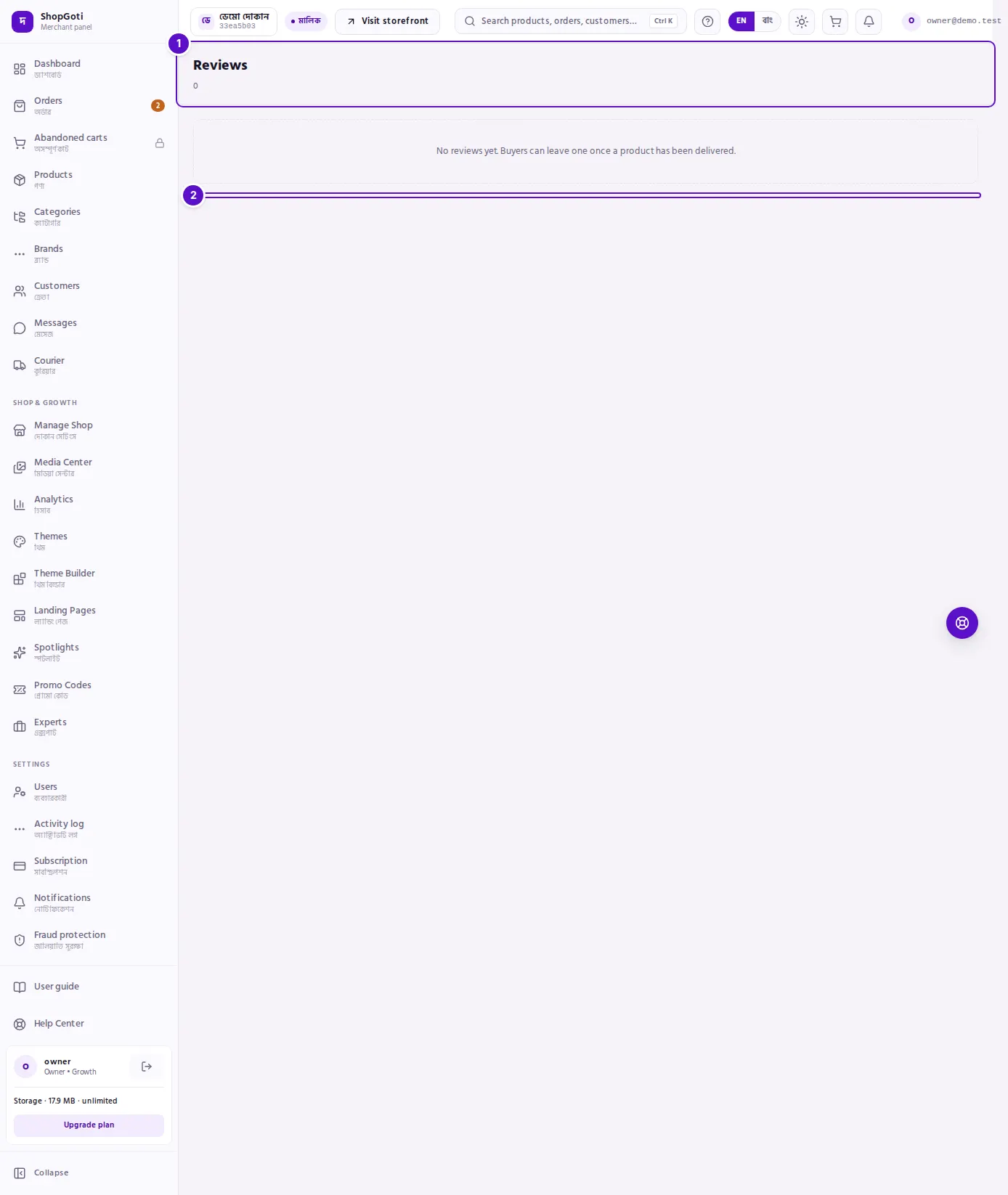
- Header — the title Reviews and the number of reviews the shop has.
- Stars and date — the rating, from 1 to 5 stars, with the buyer's name and the date and time of the review.
- Taken down — a badge on a review you have taken down.
- Review text — what the buyer wrote. A review with no text shows only its stars.
- Order — "Order:" followed by the order reference. Only the shop sees this; it is how you find the order behind a complaint.
- Your reply — the public reply, once you have written one.
- Taken down because — the reason you gave when you took the review down.
- Reply and take-down controls — for Owners and Managers only. A review with no reply has the reply box; a published review has the take-down box; a taken-down review has the Restore button.
Steps
Read the reviews
Steps
- Open Reviews from the menu. The newest review is at the top.
- Read the stars, the name and the date, then the review text.
- If a review has no reply yet, the shop has not answered it. Decide whether it needs a reply before you do anything else.
- The screen shows 20 reviews on a page. This screen has no next and previous buttons; to see the next page, add
?page=2to the address in your browser's address bar, and change the number for later pages.
Find the order behind a review
Steps
- Note the reference after Order:, for example the order number.
- Open Orders and type the number into the search box, then press Enter.
- Open the order to see what the buyer bought and where it stands.
Reply to a review
Steps
- Find the review. The reply box appears only on a review that has no reply yet.
- In the box labelled Reply publicly — you get one reply, type your reply. It can be up to 2,000 characters, and it cannot be empty.
- Press Reply.
- The reply appears under Your reply. The box then disappears, because a review can have only one reply.
Take a review down
Steps
- Find a published review. Under it, in the box marked Reason (e.g. abusive language), type why you are taking it down. The box is required; the panel will not take the review down without a reason.
- Press Take down.
- The review is marked Taken down, and Taken down because: shows your reason. It stops counting toward the product's rating.
Restore a taken-down review
Steps
- Find the review, marked Taken down.
- Press Restore. The review is published again and counts toward the rating again.
See reviews on a product page
Steps
- Open Products, then press a product's name.
- In the right-hand column, find the Buyer reviews card. It shows the five most recent reviews of this product, each with its order reference.
- Press Open all reviews to go to the Reviews screen. That screen lists every review of the shop, not only this product's.
- If the card says that reviews are switched off on your product pages, the shop setting Show reviews on the product page is off in Shop settings, and buyers do not see these reviews.
Fields
These are the two forms on the reviews screen.
| Field | What it does |
|---|---|
| Reply publicly — you get one reply | The public reply to the buyer's review. Up to 2,000 characters; it cannot be empty. Sent once. |
| Reason (e.g. abusive language) | Why you are taking the review down. Required. It is kept with the review and shown as Taken down because:. |
Tips and common mistakes
- Reviews are not curated. A review appears when the buyer writes it. The panel does not let you approve or hide one because you do not like it.
- Take down only what breaks your rules, and say why. A takedown with no reason is not allowed, and the reason you give is visible on the review.
- Your reply is for every future buyer. Keep it calm and specific: what happened, and what you will do about it.
- A taken-down review does not count toward the rating until you restore it.
- The product page shows only the five most recent reviews. Use Open all reviews for the rest, and remember that it lists the whole shop.
- If buyers cannot see reviews on the product page, check the shop setting Show reviews on the product page in Shop settings.
- Staff can read every review but cannot reply, take down or restore. Ask an Owner or Manager to act on a complaint.
Related pages
- Product page and editing — the reviews block on the product page
- Orders list — finding the order behind a review
- Products list — finding the product a review is about